Asset Management
Convert Seaward PAT Test Data to CSV Utility
Many users of HireHop Rental Business and Asset Management Software have asked how they can easily import their PAT testing results directly from their physical Seaward testers without purchasing extra middleman software.
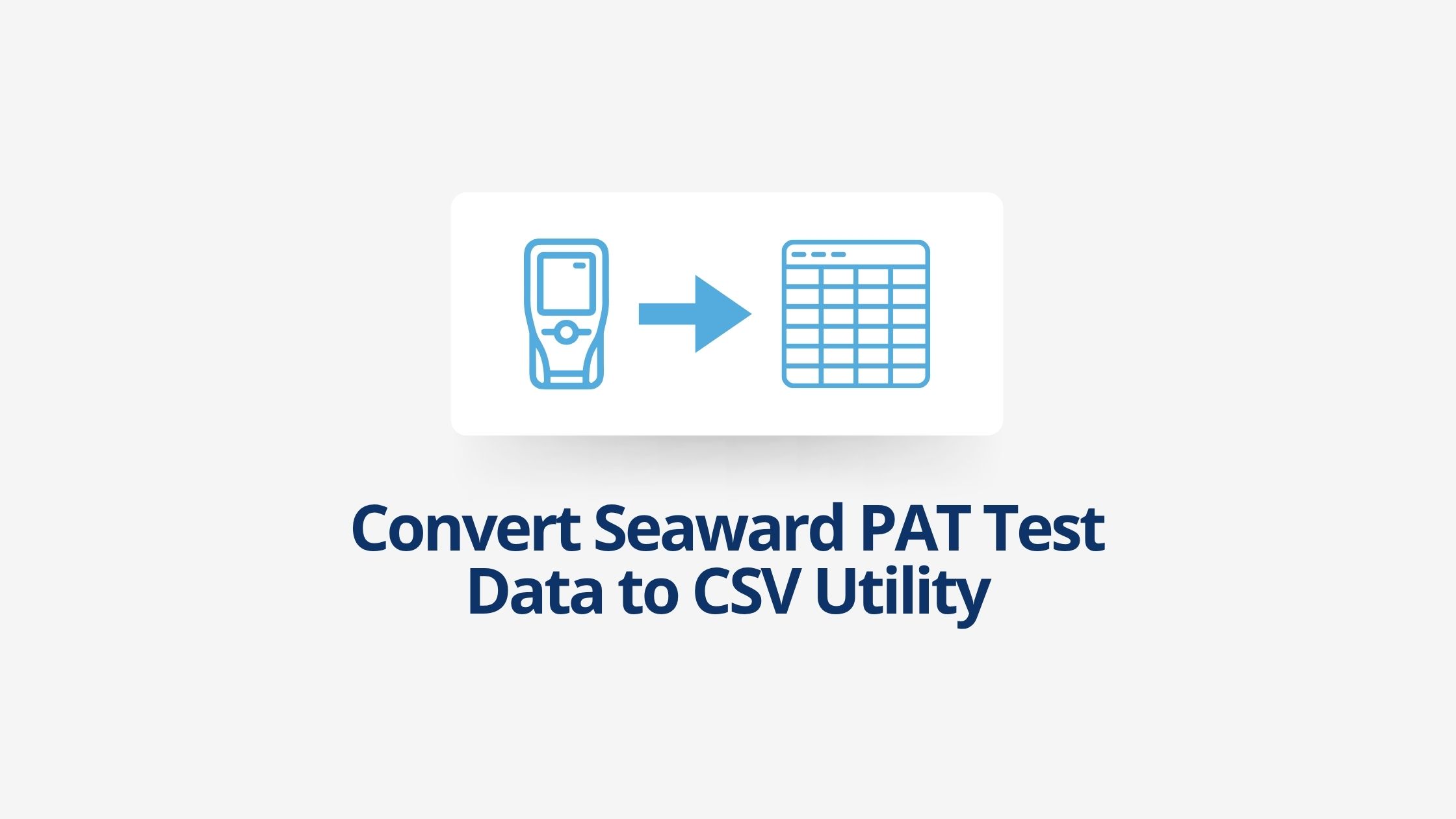
While this can be done using expensive Seaward PATGuard 3 software, we have built a completely free, lightweight online utility to save your team time and money. Simply upload the raw ASCII text output file from your Seaward tester below, and our system will instantly return a perfectly structured CSV file ready to import directly into your HireHop asset dashboard.
Supported Seaward Testers
This online conversion utility is fully compatible with the raw data outputs from popular Seaward models, including:
- Apollo Series: Apollo 400, Apollo 500 and Apollo 600
- PrimeTest Series: PrimeTest 250+ and related ranges
- Supernova Series: Supernova Elite and legacy models
How to Extract and Convert Your Data
- Connect your physical Seaward PAT tester to your PC or Mac.
- Download your testing data using the basic software provided with your device, and save/export the file as an ASCII text file.
- Use the file uploader below to select your saved text file.
- Click convert, and your browser will instantly download the converted CSV/Excel spreadsheet, completely formatted for a seamless HireHop inventory import.